The Puzzle Samen logo: four puzzle pieces with smiling faces
PuzzleSamen

Getting the puzzle ready for you…

Free in your browser, nothing to install

Online word game: place words together on one board

Letterio is the word game of Puzzle Samen: you take turns placing words on the same 15×15 board, grab the bonus squares and add up the points. Two to four players, each on their own screen, live in the same room — or one game spread over a few days.

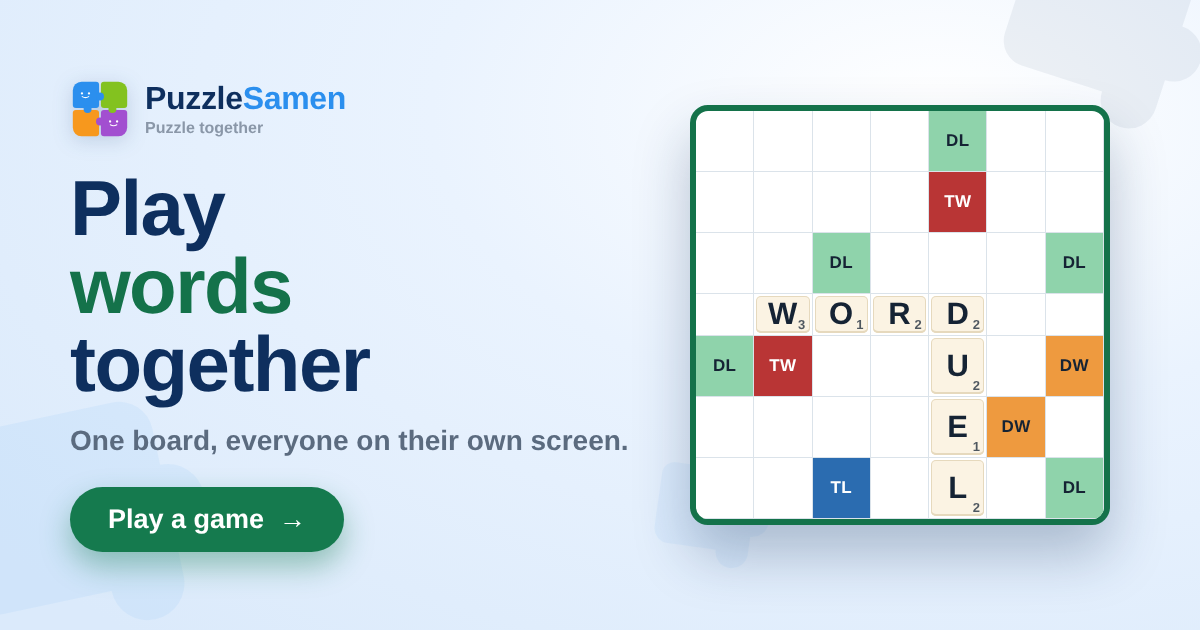
A corner of the Letterio board with the words WORD and DUEL on it, and the colored bonus squares

What kind of word game is this?

You get seven tiles on your rack and use them to place a word on the board. Every move after that connects to what is already there, like in a crossword: the new word touches an existing word, and everything it forms across must be a word too. The first word covers the center square.

All players are in the same room and see every tile appear right away. You don’t need to install anything or make an account: open the page, share the code and start. It works on your phone, tablet and computer.

How a turn works

  1. Play a word. Put your tiles on the board and confirm. If the placement is off or a word doesn’t exist, the game tells you exactly what is wrong — and you keep your turn.
  2. Or swap. Only consonants on your rack? Trade in one to seven tiles and draw new ones. That costs you your turn, and it works as long as there are at least seven tiles left in the bag.
  3. Or pass. You skip your turn. Three passes in a row and the game is over; a swap breaks that streak.

After your move you draw back up to seven tiles, and it’s the next player’s turn. When the game starts, the time per move is set: no limit, one, three or five minutes for a game in one sitting, or an hour, a day or three days per move for a game you play in between other things. If your time runs out on a clock of up to an hour, you only lose that turn; on a day or three days, it means you resign. Playing with an account and notifications turned on? Then your device gets a heads-up as soon as it’s your turn.

Bonus squares, points and the bingo

  • Every letter has its own value: common letters are worth one point, rare ones up to ten.
  • A letter bonus doubles or triples the tile placed on it; a word bonus does that to the whole word.
  • A bonus square only counts in the turn a tile lands on it — reading across the same square later earns nothing extra.
  • Play all seven tiles in one turn and you get a bingo: 40 points on top.
  • At the end, the points of the tiles still on your rack come off your score. Whoever plays out first while the bag is empty gets the others’ leftover points added to theirs.

Three boards to choose from

Before the game you pick the board. Classic has a calm spread with empty corners. Sharp puts the bonus squares close together: more to win, and more to defend. Surprise makes a new board layout when the game starts, so there is nothing to learn by heart.

All three boards are 15×15 and of our own design, and the number of tiles for each letter comes from an English word frequency list. How that works is on the rules page.

How to start a game

  1. Open Letterio and press New game.
  2. Choose who you play. Friends get the room code or the link, and whoever opens it joins you. No one in mind? Let the game find you an opponent, or play the computer.
  3. Pick a board and start as soon as two to four players are in the room. Anyone who joins later watches along and plays in the next game.

No one around right now? The computer is always ready, at three levels: Relaxed, Normal and Strong. And in the public rooms there is often someone looking for an opponent.